Predicting Credit Card Fraud using Support Vector Machine
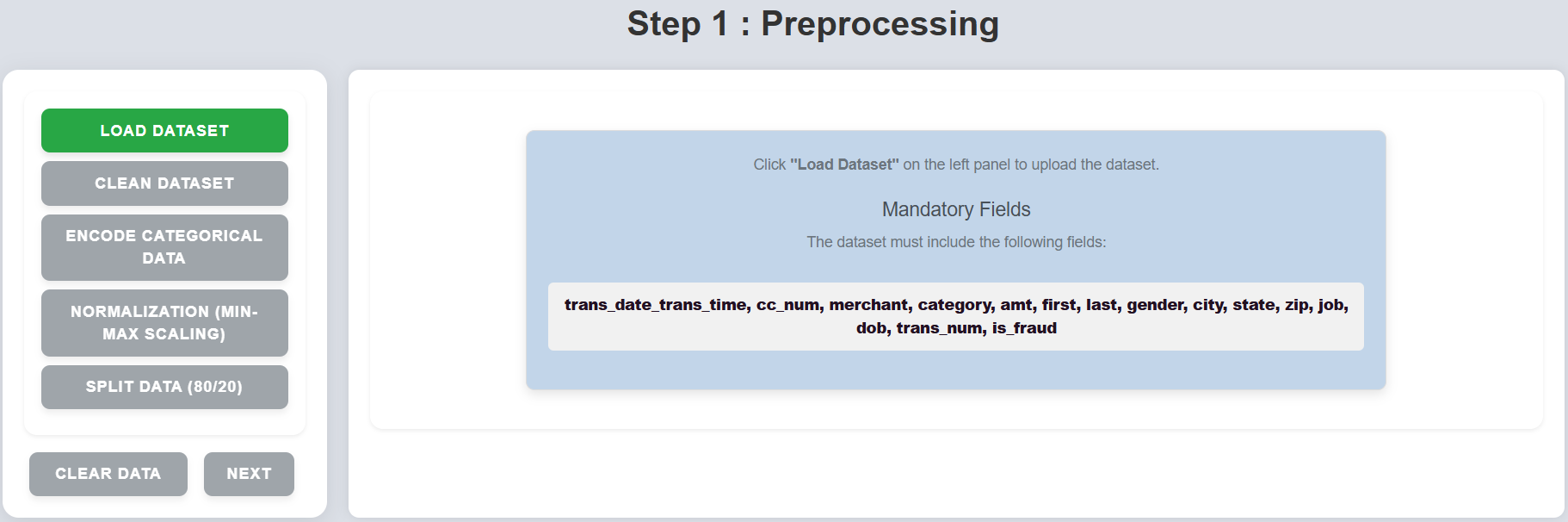
Step 1: Click on "Load Dataset" on the left panel to upload the dataset.
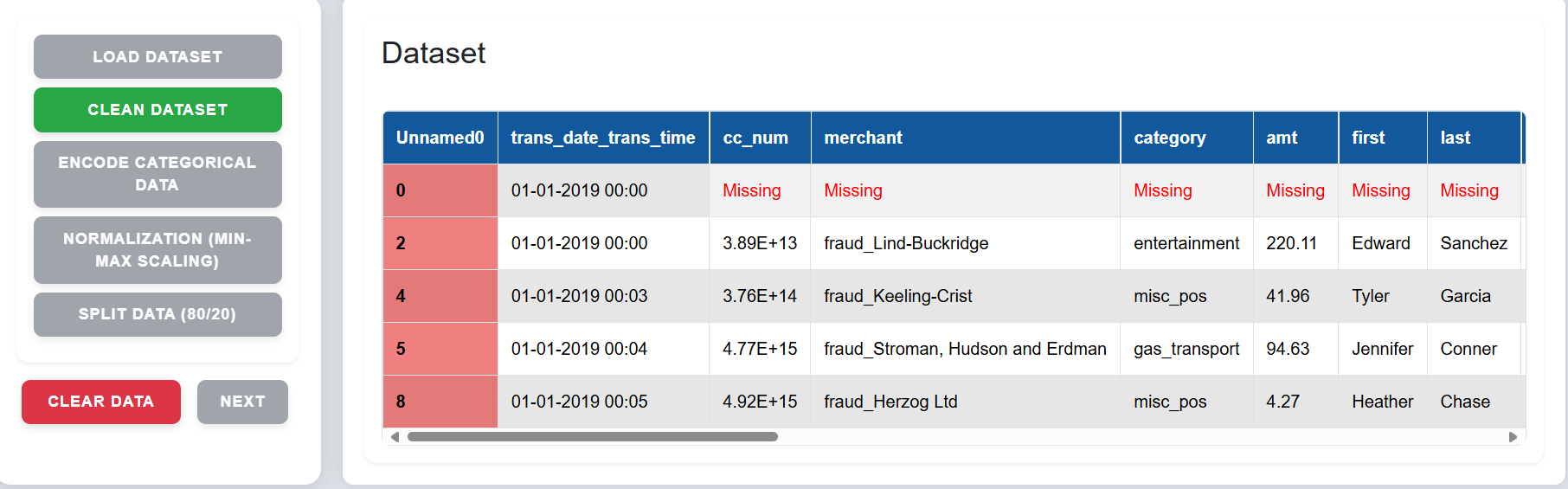
Step 2: The interface will highlight missing values and unwanted rows.
Step 3: Click on "Clean Dataset" to remove red-highlighted rows and handle missing values.
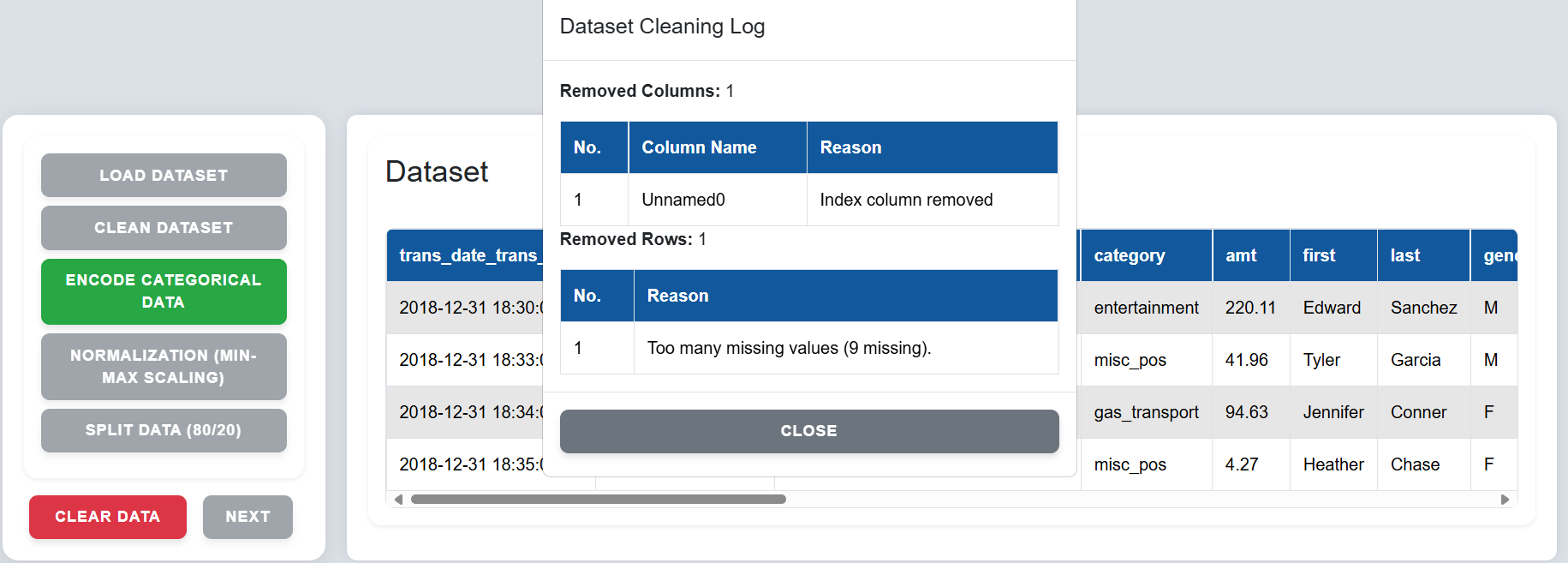
Step 4: Click on "Encode Categorical Data" to convert non-numeric fields into numeric codes using label encoding or one-hot encoding.
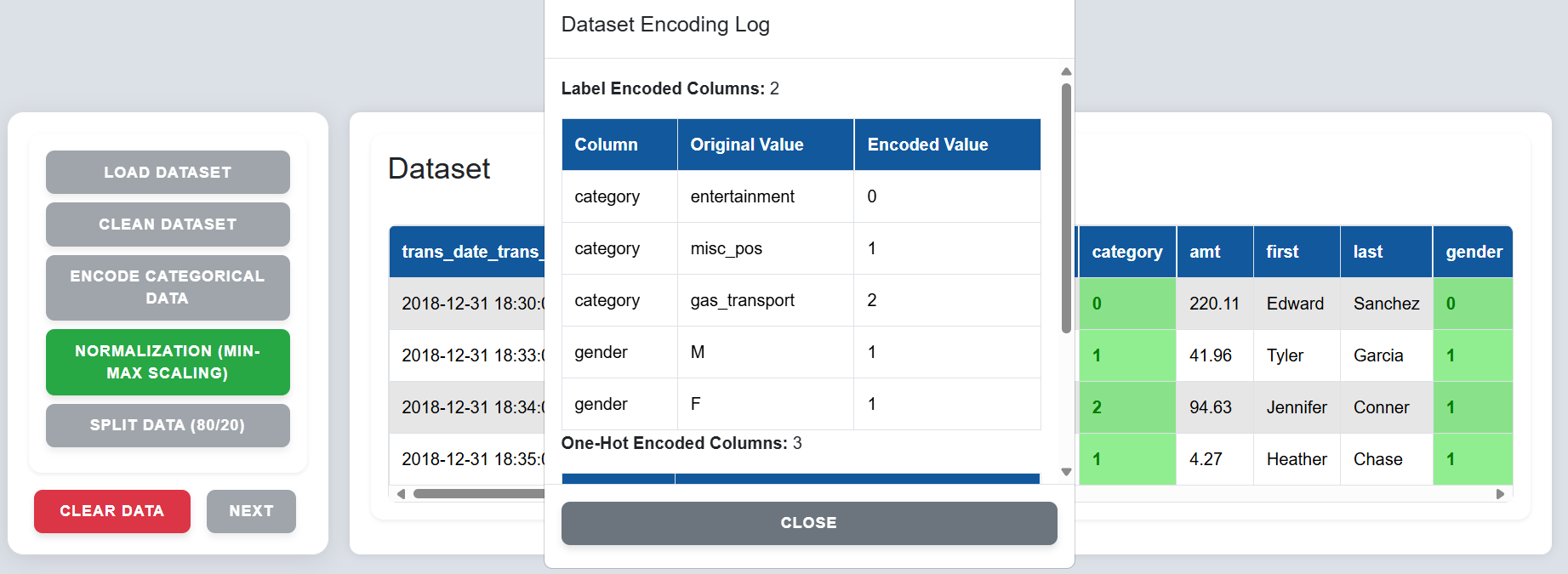
Step 5: Click on "Normalization (Min-Max Scaling)" to scale numeric data to the range $[0, 1]$.
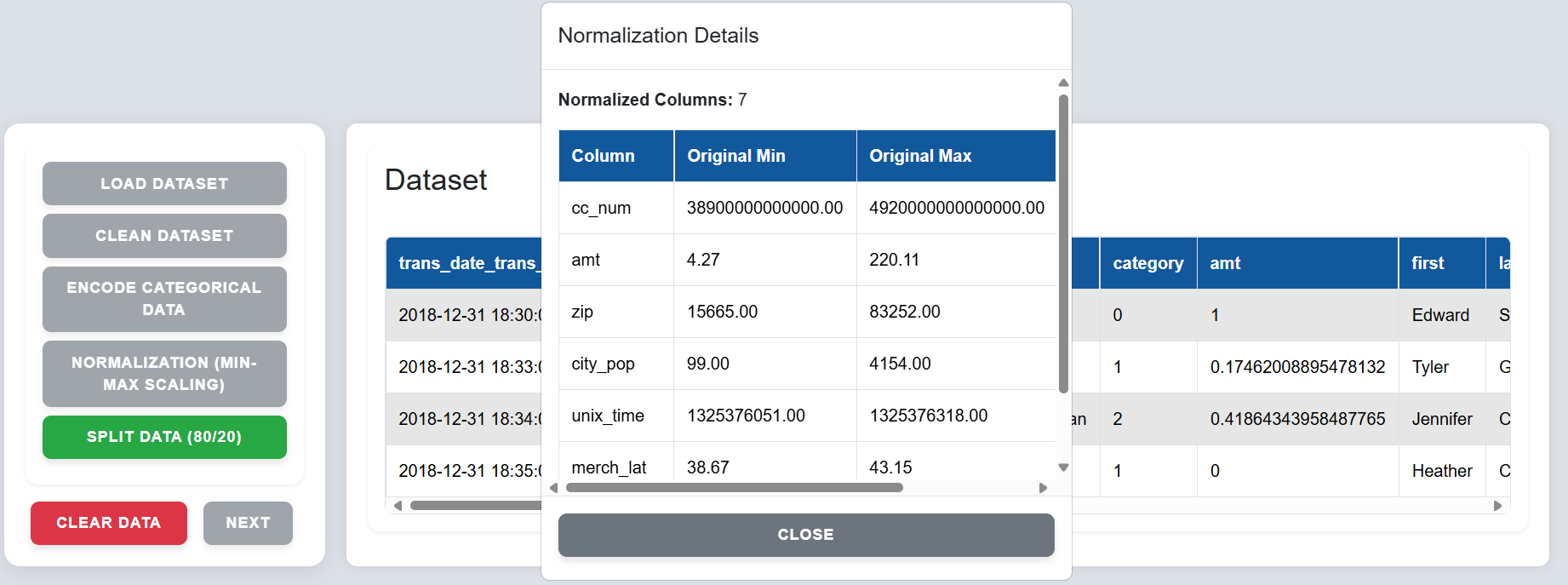
Step 6: Click on "Split Data (80/20)" to divide the dataset into 80% training and 20% testing sets.
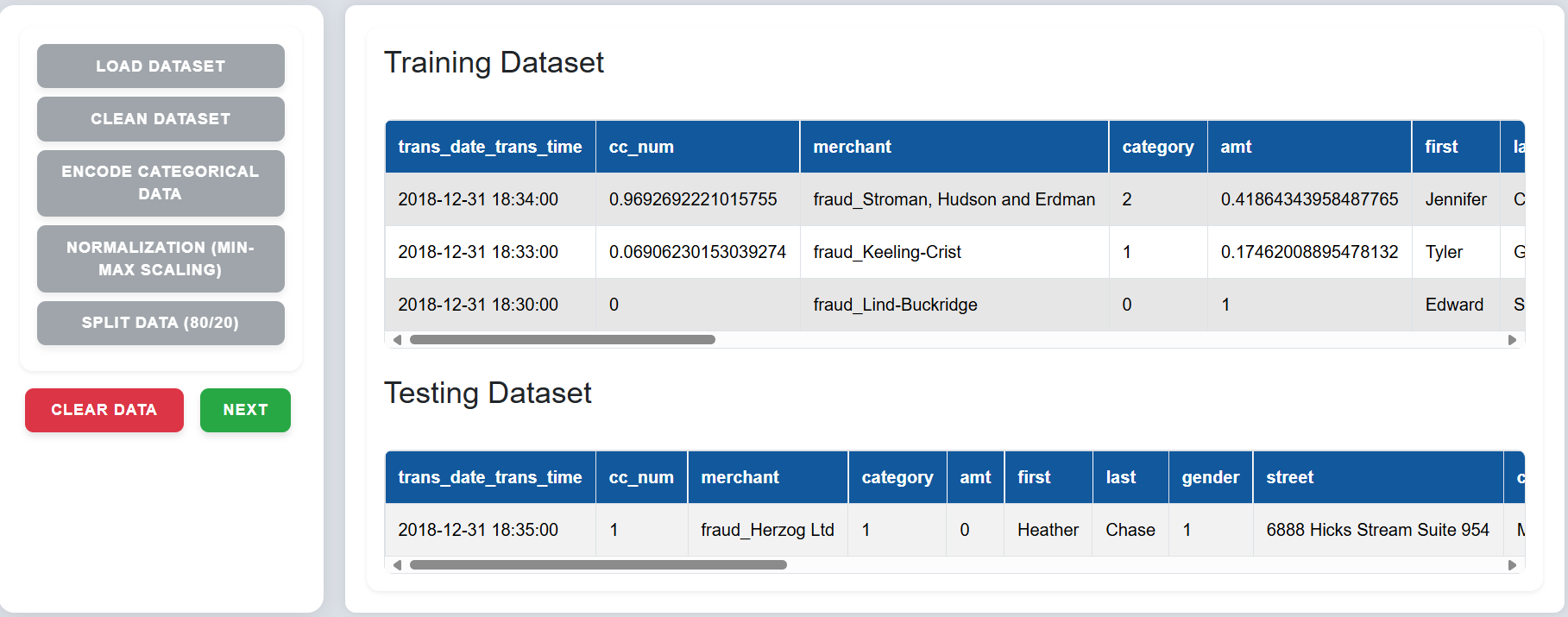
Step 7: Click on "Next" to go to the Train SVM section.
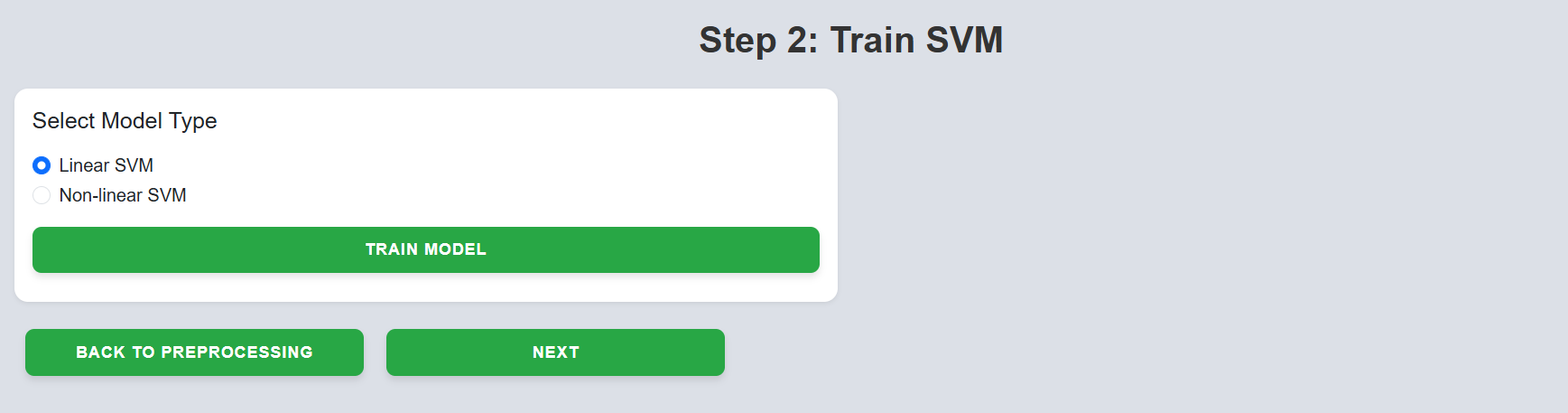
Step 8: Select the desired model type and click on "Train Model".
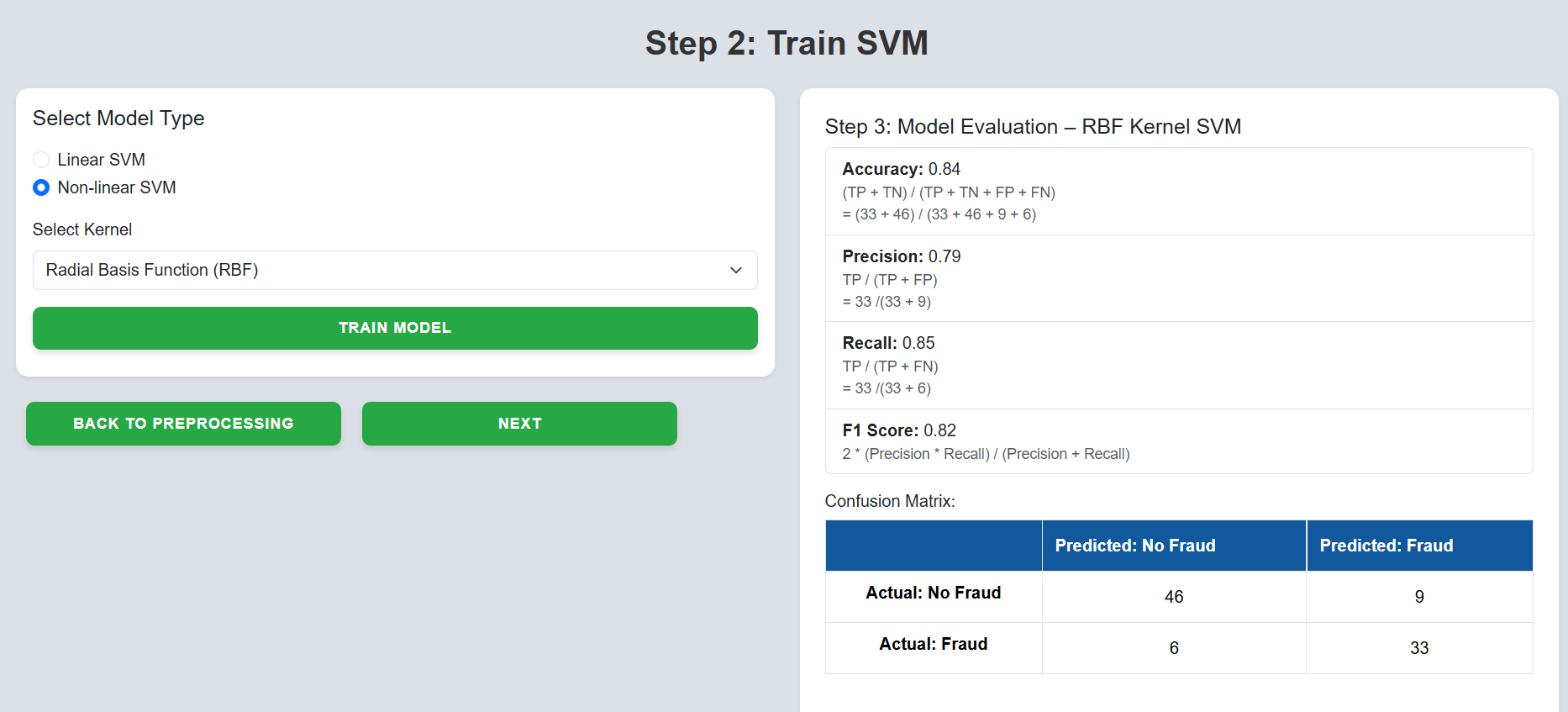
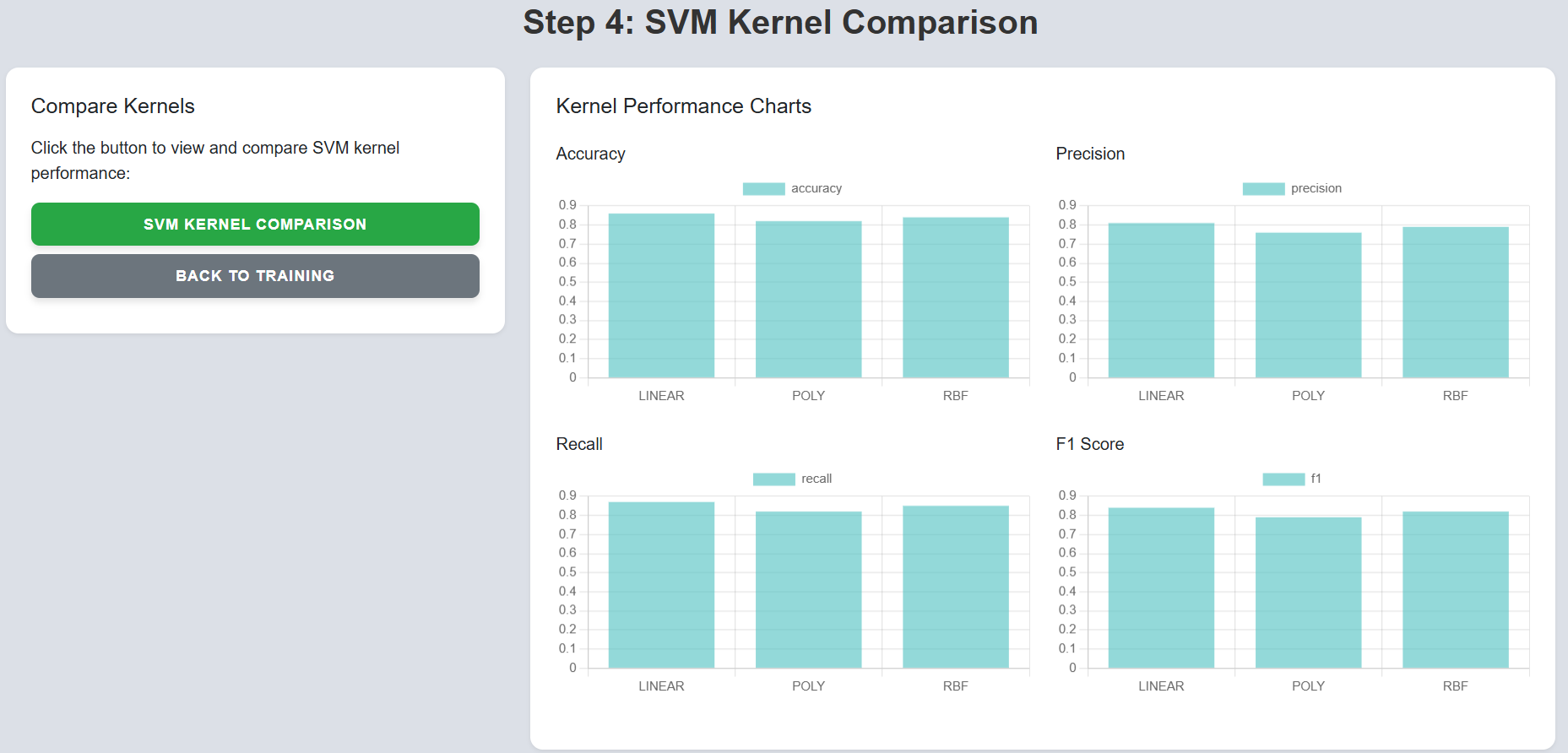
Step 9: Click on the "Next" button to proceed to the SVM Kernel Comparison section.
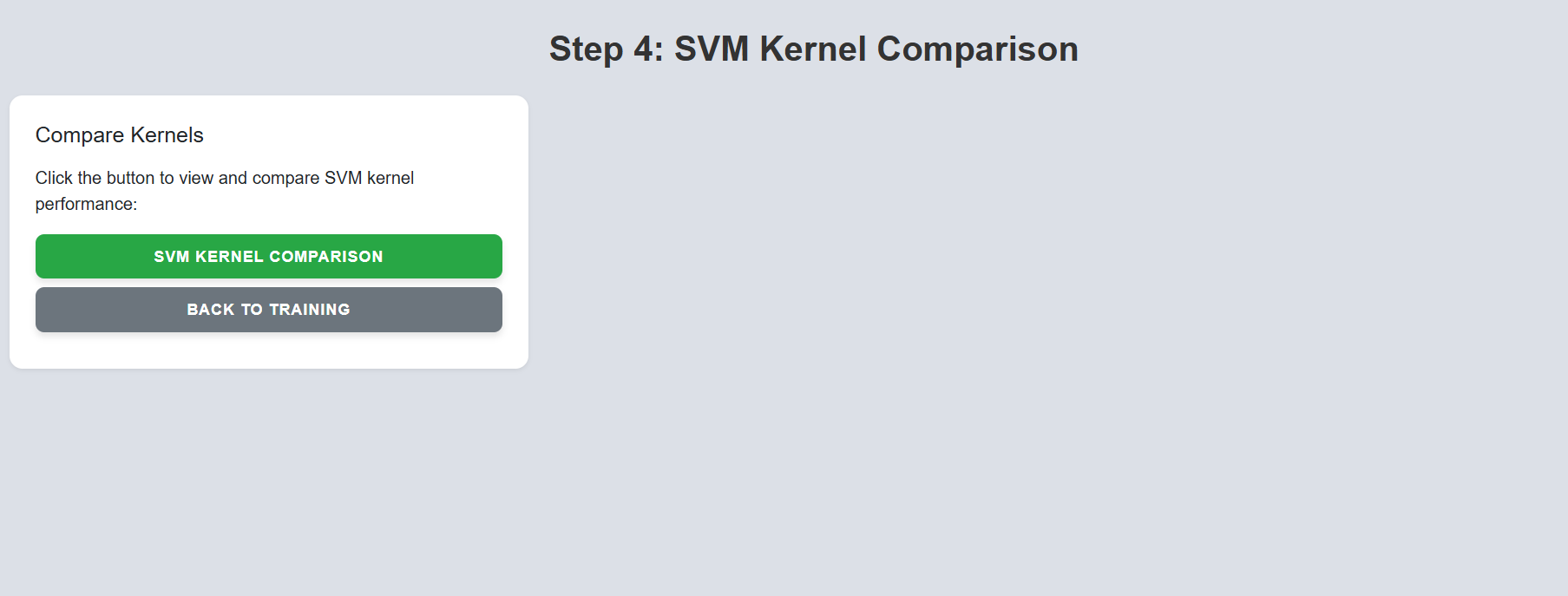
Step 10: Click on "SVM Kernel Comparison" to view performance across different kernels.